
TikTok Shop Product Image Requirements: UK Rules and Shot Plan

TikTok Shop product image requirements in the UK are short and specific. TikTok's Best Practices for Product Listings page for UK sellers says "Each image must be at least 800 x 800 pixels", "You may upload up to 9 square images per listing" and "The main product image must show the front view of the product" (checked 17 November 2026).
Many guides online quote the US figure instead: TikTok Shop's US Product Listing Policy says "All product images must be at least 600 x 600 pixels" (checked 17 November 2026). If you sell in the UK, check you are reading the UK pages. Below are the UK rules in TikTok's own words, where its pages disagree, and the nine-image set we would plan and shoot for one product.
TikTok Shop product image requirements in the UK
Everything in this table is quoted from TikTok Shop's UK Seller University. The main page, Best Practices for Product Listings, was last updated on 17 November 2025. We checked it on 17 November 2026.
What | What TikTok Shop UK says |
|---|---|
Minimum size | "Each image must be at least 800 x 800 pixels." |
Number and shape | "You may upload up to 9 square images per listing." |
Main image | "The main product image must show the front view of the product." |
Other images | "Additional images must show different views, features of the product, and any included product accessories." |
Repeated angles | "Avoid multiple images displaying the same angle of the product." |
Colour | "Black-and-white images are not acceptable, all images must be in colour." |
Background | "The product image background must not contain pixelated blocks, text, or watermarks other than product branding or logos." |
Accuracy | "Product images and videos must accurately represent the promoted products and their specifications." |
Video | "You may also upload up to one (1) video for each product listing." and "All uploaded product videos must not exceed 5MB." |
The UK page does not list accepted file formats or a maximum image file size, so we have not given any. If the upload screen in Seller Center rejects a file, it will tell you why.
The background: two TikTok pages, two answers
TikTok's older UK page, Registration & Product Listing, last updated on 16 February 2023, is stricter. It says the product image background must be "pure white". It also says "Multiple images displaying the same angle of the product are not allowed", where the newer page only says "Avoid".
The 2025 page drops the white background rule. It only says what the background must not contain, and the product's own branding is allowed. TikTok's own course for UK sellers, You Need More Than 5 Product Images, still leans towards white: "Keep the background simple. You don't want it to distract from the product." It also suggests using "the optimisation feature in the Seller Center to help clean up the photo by adding a white background."
Our advice is to shoot the main image on white or very light grey. It meets the stricter page, it matches the course, and it keeps the product readable as a small square in search results. Use the remaining slots for the views and details the newer page asks for. If you put a styled or in-use frame in the set, keep it near the end and check the current UK page before you upload, because the two pages do not agree.
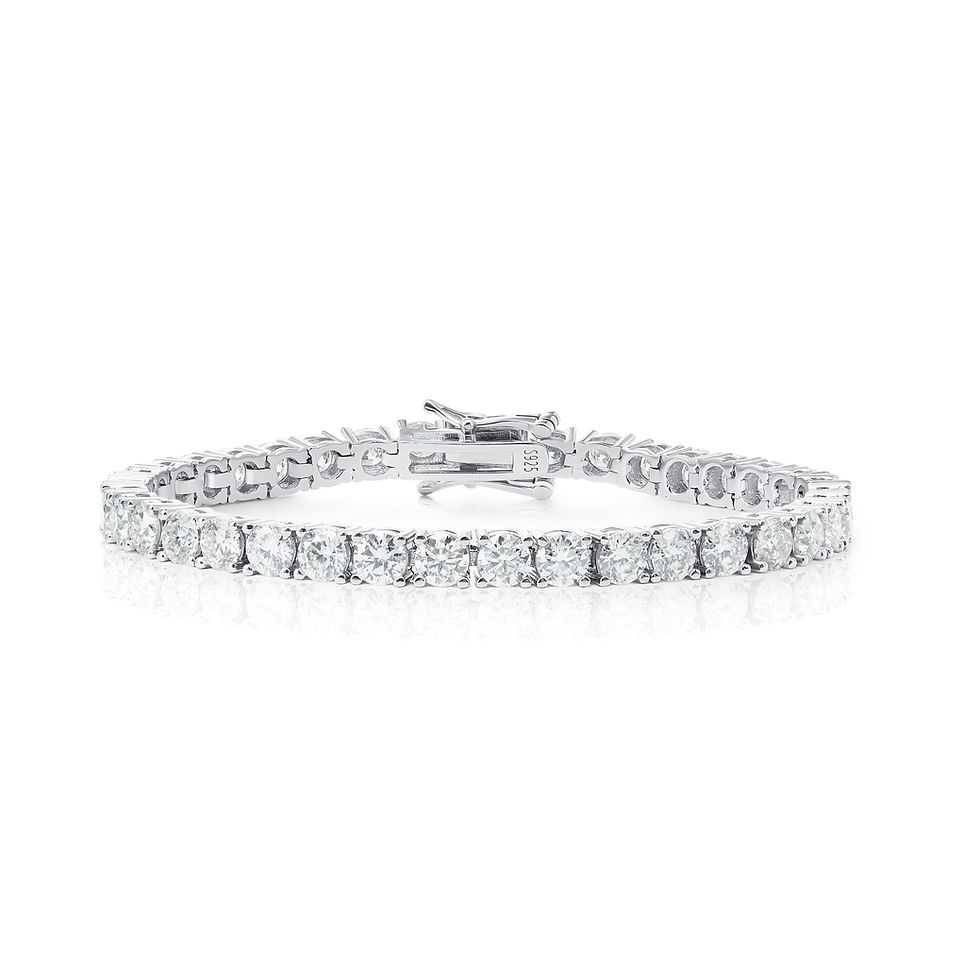
A nine-image plan for one product
TikTok's course says "You should be aiming for a sweet spot of 5 to 9 images per product." Nine is the limit, and the rule against repeated angles means each frame has to earn its place. This is the set we would plan for a skincare bottle or a boxed gift item. It follows the same logic as our product photography shot list, cut to fit TikTok's nine square slots.
Front view (main image). Camera level with the middle of the label, product square to the lens, on white. This is the slot the rules fix for you.
Three-quarter view. Turn the product about 30 to 45 degrees so the camera sees the front and one side. It shows depth, which a flat front view cannot.
Side view. A straight profile shows the shape of the pack, a pump or a cap.
Back view. The ingredients list and directions. Shoot it sharp enough to read when zoomed.
Top or open view. A jar with the lid off, a box with its lid lifted, a compact open. Buyers want to see inside.
Close detail. Texture of a cream, the finish of a cap, the clasp of a bracelet. TikTok asks for "features of the product", and this is where you show them.
Packaging and accessories. The product beside its box, with anything else it comes with, such as refills, a pouch or a charging cable. The UK page asks for "any included product accessories".
Scale. The product in a hand, so buyers can judge its size.
In use. The product applied, worn or lit. Keep it last and keep it free of text.
If you only have five images, keep slots 1, 2, 4, 6 and 7. Those cover the rules most directly.

How we shoot a TikTok Shop image set
The nine frames above come from one set-up, which keeps the light and colour consistent across the listing. A few choices matter more than the rest.
Light. A large softbox about 45 degrees to one side of the product and a little above it gives soft shadows and even labels. A white card on the opposite side lifts the shadow side. Light the white background separately, a stop or so brighter than the product, so it goes clean white without spilling onto the edges. Our guide on how to get a white background in product photos covers that set-up step by step.
Angles. Mark the product's position on the table with tape before you start. For the angled, side and back views, rotate the product on its mark and leave the camera where it is. The views then line up when a buyer swipes through them, and you avoid two frames that look like the same angle.
Framing for a square. TikTok Shop asks for square images. Shoot a little wider than you need, with the product in the centre, and crop to square in editing. A product that fills most of the square reads better on a phone. Leave a small margin so nothing touches the edge.
Colour. Shoot a grey card at the start of the set under the same light and correct every frame to it. TikTok asks that images "accurately represent the promoted products and their specifications", so a shade that looks warmer or brighter than the real product is a problem, not a style choice. Keep every image in colour, including the moody in-use frame.
Prep. Dust and fingerprints show at 800 pixels and above, and a creased label shows in every frame. Our checklist on how to prepare products for a photo shoot explains how to clean products and why to send spares.

Exporting and uploading
Export square, well above the minimum. 800 x 800 pixels is the floor. Export at 1,600 x 1,600 pixels or more so the image stays sharp when buyers zoom.
Use sRGB. It is the safe colour space for web and app images. A file saved in a wider colour space can look dull or oversaturated once uploaded.
Save as a high-quality JPEG. We export stills as JPEG at a high quality setting from the edited master file. That is our studio habit, not a TikTok rule: the UK page names no file format.
Keep text off the image. The UK page allows "product branding or logos" that are part of the product, and nothing else in text or watermarks. Put claims and offers in the listing copy.
Name files in slot order. "01-front", "02-three-quarter" and so on make the upload order obvious and keep the front view in the main slot.
Check on a phone. Open the listing preview on a phone and swipe through. If two frames look alike, swap one for a detail or accessories shot.
The listing video
The UK page allows "up to one (1) video for each product listing" and says it "must not exceed 5MB". That limit is tight, so keep the clip short and simple: the product turned in a hand, opened, or used once. Our UGC-style video reels include unboxing and demonstration clips in vertical and square formats, if you want the video and the stills made together.

Frequently asked questions
What size should TikTok Shop product images be in the UK?
TikTok Shop's UK page says "Each image must be at least 800 x 800 pixels" and that you can upload "up to 9 square images per listing" (checked November 2026). Some guides quote the 600 x 600 minimum from TikTok's US Product Listing Policy, so go by the UK page. We would export square images at 1,600 x 1,600 pixels or more to leave room for zoom.
Does the TikTok Shop main image need a white background?
The current UK page (last updated November 2025) does not ask for one. It only says what the background must not contain. TikTok's older UK page from 2023 says the product image background must be "pure white". A white or very light grey main image satisfies both, so it is the safe choice while the pages disagree.
How many images should a TikTok Shop listing have?
Up to nine. TikTok's UK course for sellers says "You should be aiming for a sweet spot of 5 to 9 images per product." After the front view, each image should show something new, such as the back or a close detail. The UK page asks you to avoid two images at the same angle, so do not fill slots with near-duplicates.
Can I put text or badges on TikTok Shop product images?
No added text. The UK page says the background "must not contain pixelated blocks, text, or watermarks other than product branding or logos". Branding printed on the product or its pack is fine. Sale badges and slogans added in editing are not, so put that information in the title and description instead.
Getting a TikTok Shop image set made
Plan the nine slots before the shoot, light the main image on white, and give every other frame a new angle or detail. If you would rather hand the set to a studio, see what our white background photography covers, or get a same-day quote.


Comments